
ACFの画像で、シンプルなサムネイル付きギャラリーを作成
前回のBLOGでは、ACFの画像で無限ループスライダーを作成しました。今回は、ACFの画像で、シンプルなサムネイル付きギャラリーを作成する方法を紹介します。


出典 : slick
今回のDEMOは、カフェのギャラリーです。

8つの画像をギャラリーにしました。サムネイルをクリックするとメイン画像が切り替わります。
ACF設定
フィールドタイプは、画像です。フィールドラベルに編集画面に表示する名前、フィールド名にPHPに記入する名前を設定します。戻り値の形式は、画像配列です。ライブラリは、すべてです。
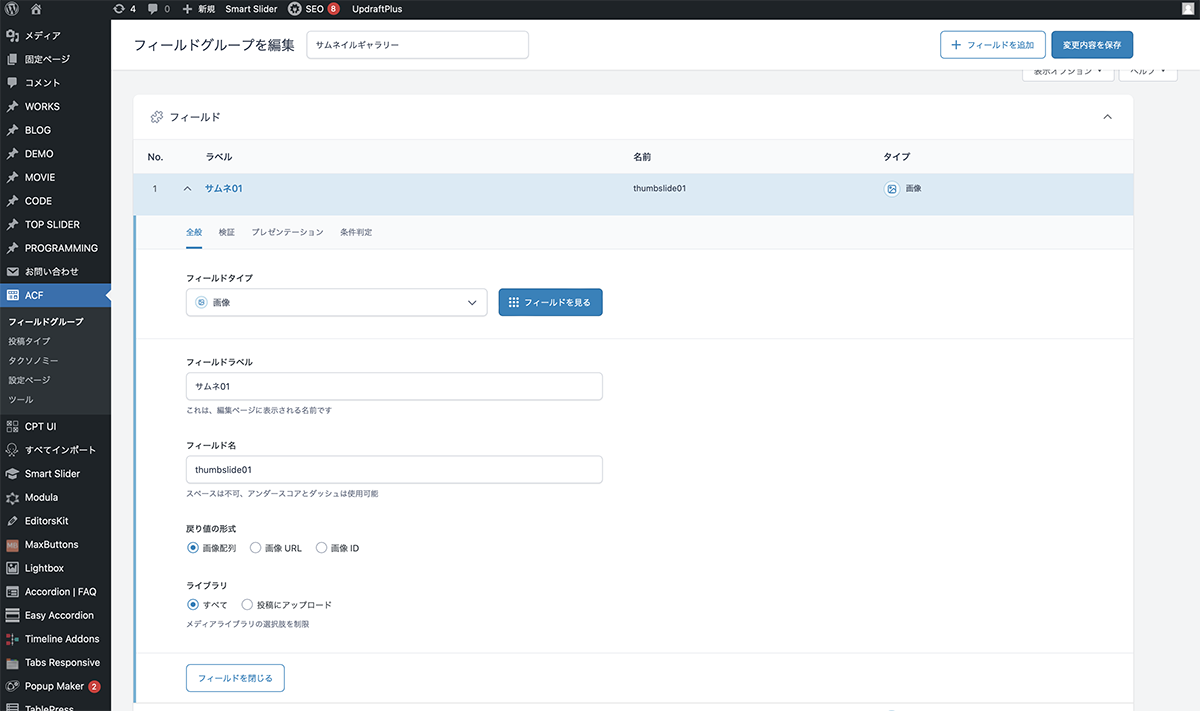
フィールドタイプは、画像です。
同じように、他7つのフィールドも作成します。これで、ACF設定は終了です。
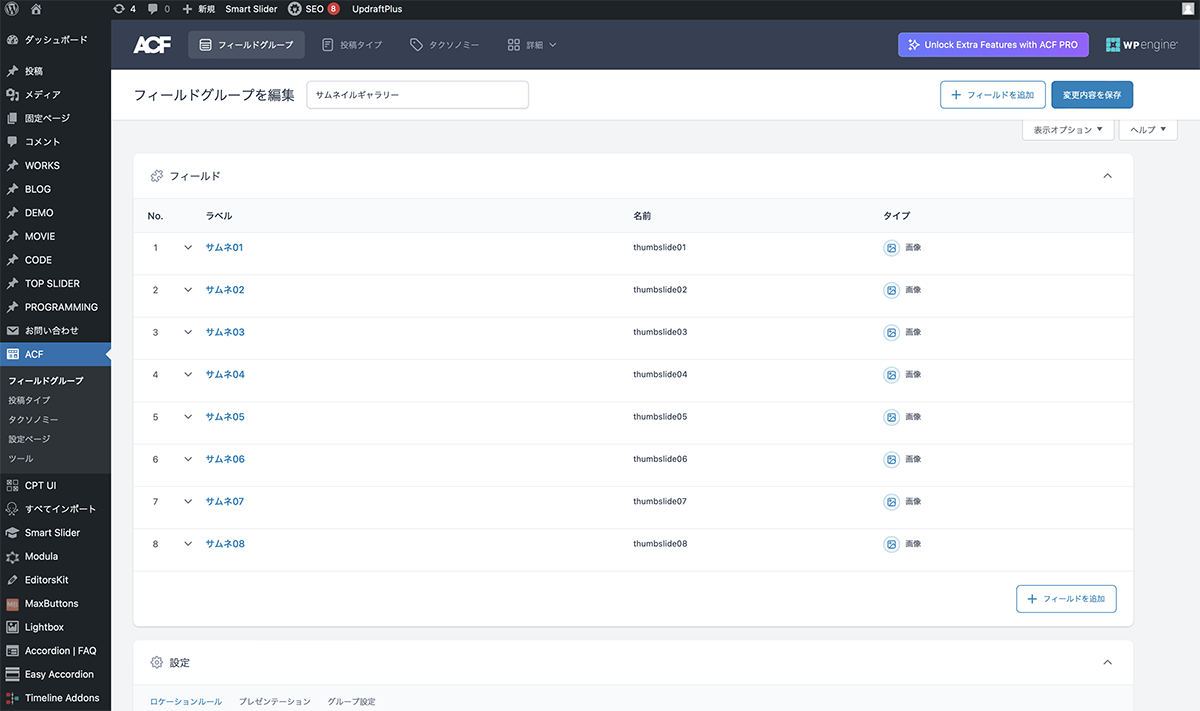
他7つのフィールドも作成
コード
シングルページのループ内に下記コードを入力します。
<div class="thumbslider_wrapper">
	<ul class="thumbgallery">
		<?php
			$image = get_field('thumbslide01');
			if( $image ):
			$url = $image['url'];
  			$title = $image['title'];
 			$alt = $image['alt'];
			$size = 'large';
 			$thumb = $image['sizes'][ $size ];
		?>
			<li>
				<img src="<?php echo esc_url($thumb); ?>" alt="<?php echo esc_attr($alt); ?>" />
			</li>
		<?php endif; ?>
		<?php
			$image = get_field('thumbslide02');
			if( $image ):
			$url = $image['url'];
  			$title = $image['title'];
 			$alt = $image['alt'];
			$size = 'large';
 			$thumb = $image['sizes'][ $size ];
		?>
			<li>
				<img src="<?php echo esc_url($thumb); ?>" alt="<?php echo esc_attr($alt); ?>" />
			</li>
		<?php endif; ?>
		<?php
			$image = get_field('thumbslide03');
			if( $image ):
			$url = $image['url'];
  			$title = $image['title'];
 			$alt = $image['alt'];
			$size = 'large';
 			$thumb = $image['sizes'][ $size ];
		?>
			<li>
				<img src="<?php echo esc_url($thumb); ?>" alt="<?php echo esc_attr($alt); ?>" />
			</li>
		<?php endif; ?>
		<?php
			$image = get_field('thumbslide04');
			if( $image ):
			$url = $image['url'];
  			$title = $image['title'];
 			$alt = $image['alt'];
			$size = 'large';
 			$thumb = $image['sizes'][ $size ];
		?>
			<li>
				<img src="<?php echo esc_url($thumb); ?>" alt="<?php echo esc_attr($alt); ?>" />
			</li>
		<?php endif; ?>
		<?php
			$image = get_field('thumbslide05');
			if( $image ):
			$url = $image['url'];
  			$title = $image['title'];
 			$alt = $image['alt'];
			$size = 'large';
 			$thumb = $image['sizes'][ $size ];
		?>
			<li>
				<img src="<?php echo esc_url($thumb); ?>" alt="<?php echo esc_attr($alt); ?>" />
			</li>
		<?php endif; ?>
		<?php
			$image = get_field('thumbslide06');
			if( $image ):
			$url = $image['url'];
  			$title = $image['title'];
 			$alt = $image['alt'];
			$size = 'large';
 			$thumb = $image['sizes'][ $size ];
		?>
			<li>
				<img src="<?php echo esc_url($thumb); ?>" alt="<?php echo esc_attr($alt); ?>" />
			</li>
		<?php endif; ?>
		<?php
			$image = get_field('thumbslide07');
			if( $image ):
			$url = $image['url'];
  			$title = $image['title'];
 			$alt = $image['alt'];
			$size = 'large';
 			$thumb = $image['sizes'][ $size ];
		?>
			<li>
				<img src="<?php echo esc_url($thumb); ?>" alt="<?php echo esc_attr($alt); ?>" />
			</li>
		<?php endif; ?>
		<?php
			$image = get_field('thumbslide08');
			if( $image ):
			$url = $image['url'];
  			$title = $image['title'];
 			$alt = $image['alt'];
			$size = 'large';
 			$thumb = $image['sizes'][ $size ];
		?>
			<li>
				<img src="<?php echo esc_url($thumb); ?>" alt="<?php echo esc_attr($alt); ?>" />
			</li>
		<?php endif; ?>
	</ul>
	<ul class="choice-btn">
		<?php
			$image = get_field('thumbslide01');
			if( $image ):
			$url = $image['url'];
  			$title = $image['title'];
 			$alt = $image['alt'];
			$size = 'large';
 			$thumb = $image['sizes'][ $size ];
		?>
			<li>
				<img src="<?php echo esc_url($thumb); ?>" alt="<?php echo esc_attr($alt); ?>" />
			</li>
		<?php endif; ?>
		<?php
			$image = get_field('thumbslide02');
			if( $image ):
			$url = $image['url'];
  			$title = $image['title'];
 			$alt = $image['alt'];
			$size = 'large';
 			$thumb = $image['sizes'][ $size ];
		?>
			<li>
				<img src="<?php echo esc_url($thumb); ?>" alt="<?php echo esc_attr($alt); ?>" />
			</li>
		<?php endif; ?>
		<?php
			$image = get_field('thumbslide03');
			if( $image ):
			$url = $image['url'];
  			$title = $image['title'];
 			$alt = $image['alt'];
			$size = 'large';
 			$thumb = $image['sizes'][ $size ];
		?>
			<li>
				<img src="<?php echo esc_url($thumb); ?>" alt="<?php echo esc_attr($alt); ?>" />
			</li>
		<?php endif; ?>
		<?php
			$image = get_field('thumbslide04');
			if( $image ):
			$url = $image['url'];
  			$title = $image['title'];
 			$alt = $image['alt'];
			$size = 'large';
 			$thumb = $image['sizes'][ $size ];
		?>
			<li>
				<img src="<?php echo esc_url($thumb); ?>" alt="<?php echo esc_attr($alt); ?>" />
			</li>
		<?php endif; ?>
		<?php
			$image = get_field('thumbslide05');
			if( $image ):
			$url = $image['url'];
  			$title = $image['title'];
 			$alt = $image['alt'];
			$size = 'large';
 			$thumb = $image['sizes'][ $size ];
		?>
			<li>
				<img src="<?php echo esc_url($thumb); ?>" alt="<?php echo esc_attr($alt); ?>" />
			</li>
		<?php endif; ?>
		<?php
			$image = get_field('thumbslide06');
			if( $image ):
			$url = $image['url'];
  			$title = $image['title'];
 			$alt = $image['alt'];
			$size = 'large';
 			$thumb = $image['sizes'][ $size ];
		?>
			<li>
				<img src="<?php echo esc_url($thumb); ?>" alt="<?php echo esc_attr($alt); ?>" />
			</li>
		<?php endif; ?>
		<?php
			$image = get_field('thumbslide07');
			if( $image ):
			$url = $image['url'];
  			$title = $image['title'];
 			$alt = $image['alt'];
			$size = 'large';
 			$thumb = $image['sizes'][ $size ];
		?>
			<li>
				<img src="<?php echo esc_url($thumb); ?>" alt="<?php echo esc_attr($alt); ?>" />
			</li>
		<?php endif; ?>
		<?php
			$image = get_field('thumbslide08');
			if( $image ):
			$url = $image['url'];
  			$title = $image['title'];
 			$alt = $image['alt'];
			$size = 'large';
 			$thumb = $image['sizes'][ $size ];
		?>
			<li>
				<img src="<?php echo esc_url($thumb); ?>" alt="<?php echo esc_attr($alt); ?>" />
			</li>
		<?php endif; ?>
	</ul>
</div>jQuery、slickを読み込みます。JavaScriptファイルを作成し、下記コードを入力します。
$('.thumbgallery').slick({
	infinite: true,
	fade: true,
	arrows: false,
});

$('.choice-btn').slick({
	infinite: true,
	slidesToShow: 8,
	focusOnSelect: true,
	asNavFor: '.thumbgallery',
});

$('.thumbgallery').on('beforeChange', function(event, slick, currentSlide, nextSlide) {
	var index = nextSlide;
	$(".choice-btn .slick-slide").removeClass("slick-current").eq(index).addClass("slick-current");
});CSSでスタイルを整えます。
.thumbgallery{
	margin: 0;
}

.thumbgallery li{
	height: 500px;
	overflow: hidden;
	object-position: 50% 50%;
}

.thumbgallery li img{
	width: 100%;
	height: 100%;
	object-fit: cover;
}

.choice-btn{
	width: 100%;
	max-width: 900px;
}

.choice-btn li{
	cursor: pointer;
	outline: none;
	background: #333;
	width: 25% !important;
	height: 100px;
	overflow: hidden;
}

.choice-btn li img{
	opacity: 0.4;
	width: 100%;
	height: 100%;
	object-fit: cover;
}

.choice-btn li.slick-current img{
	opacity: 1;
}

.choice-btn .slick-track {
	transform: unset !important;
}

.thumbslider_wrapper{
	width: 100%;
	max-width: 900px;
	margin: auto;
}

.thumbslider_wrapper img{
	width: 100%;
	height: auto;
	vertical-align: bottom;
}

@media screen and (min-width: 1250px) {

	.thumbslider_wrapper{
		padding: 5em 0;
	}

	.choice-btn li{
		height: 150px;
	}

}
設置
編集画面にサムネイルギャラリーのフィールドが表示されます。画像を追加をクリックして、メディアライブラリから画像を選択し、選択ボタンをクリックします。画像フィールドに画像が設定されます。
残りの画像も同様に設定します。これで完成です。
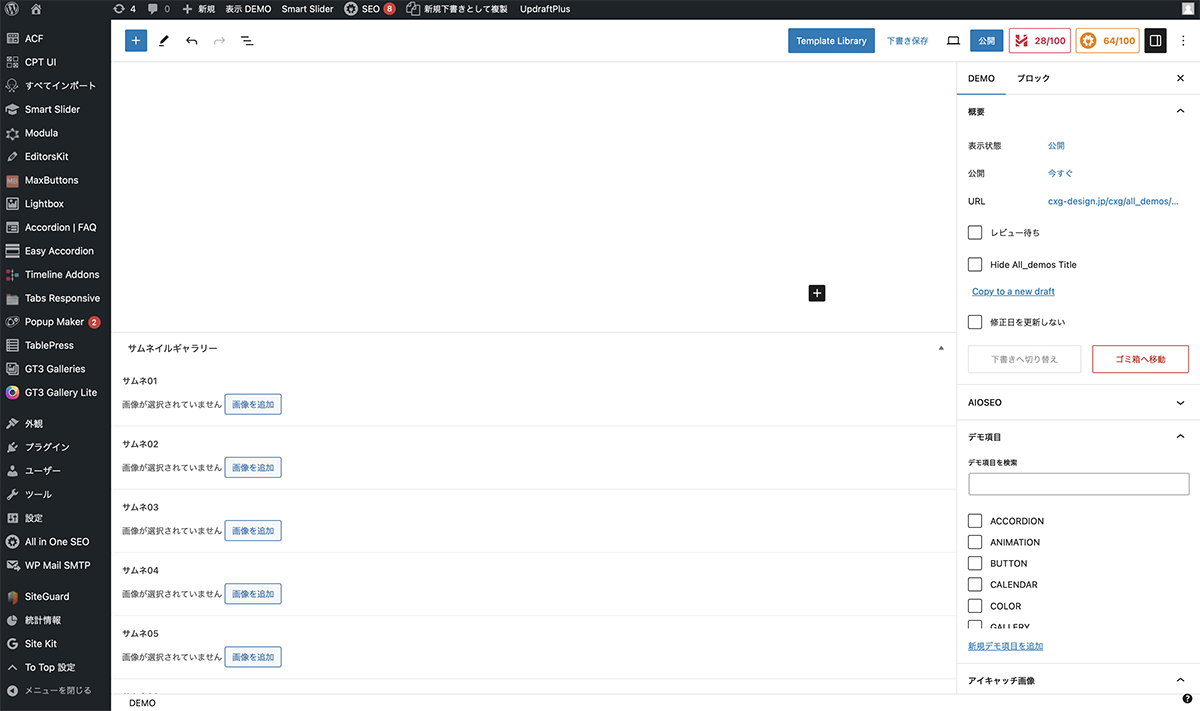
画像を追加をクリック
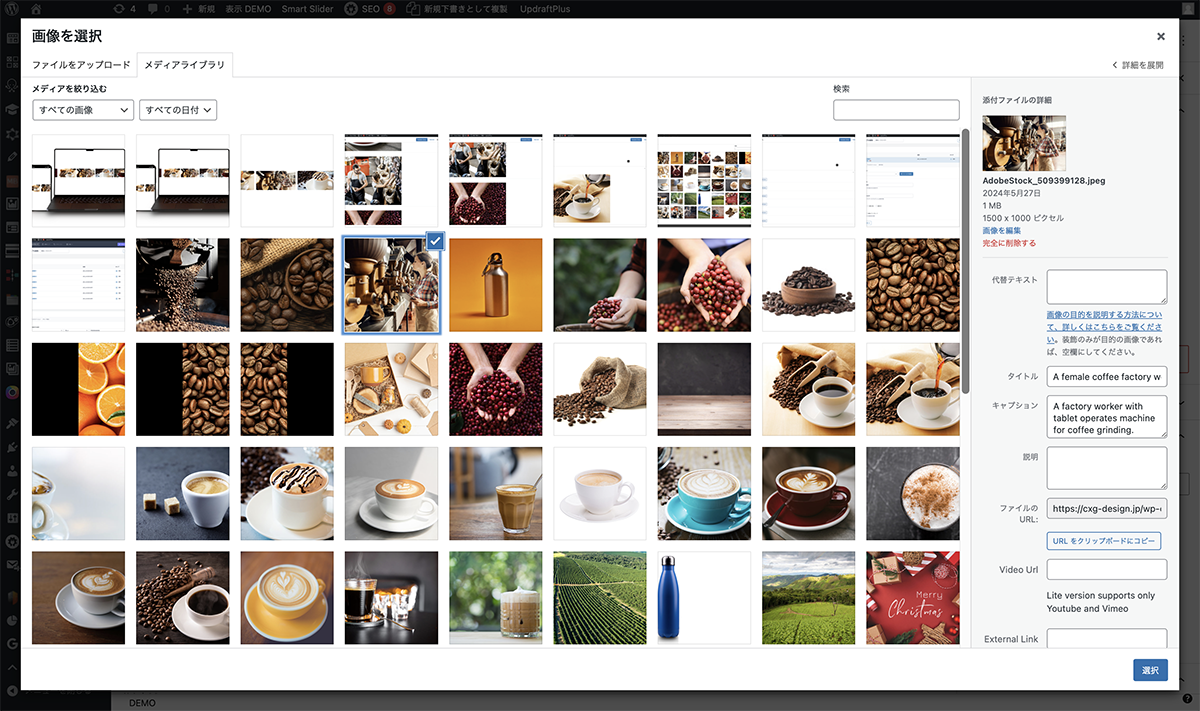
メディアライブラリから画像を選択
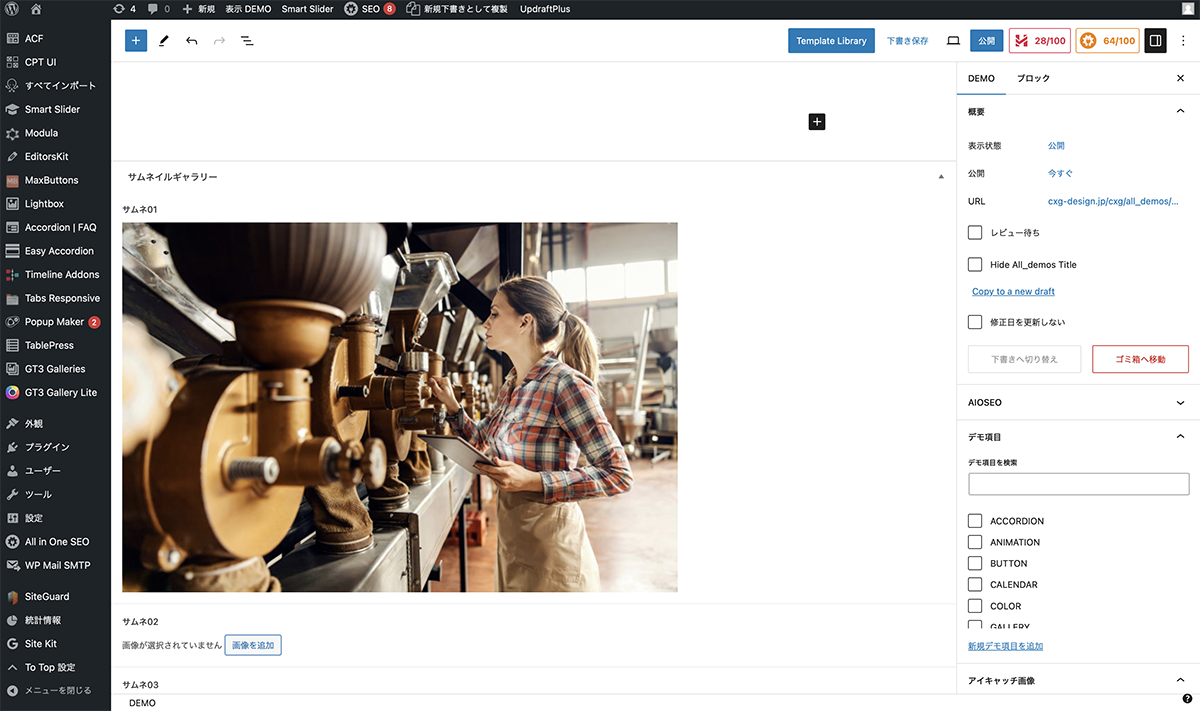
画像フィールドに画像が設定
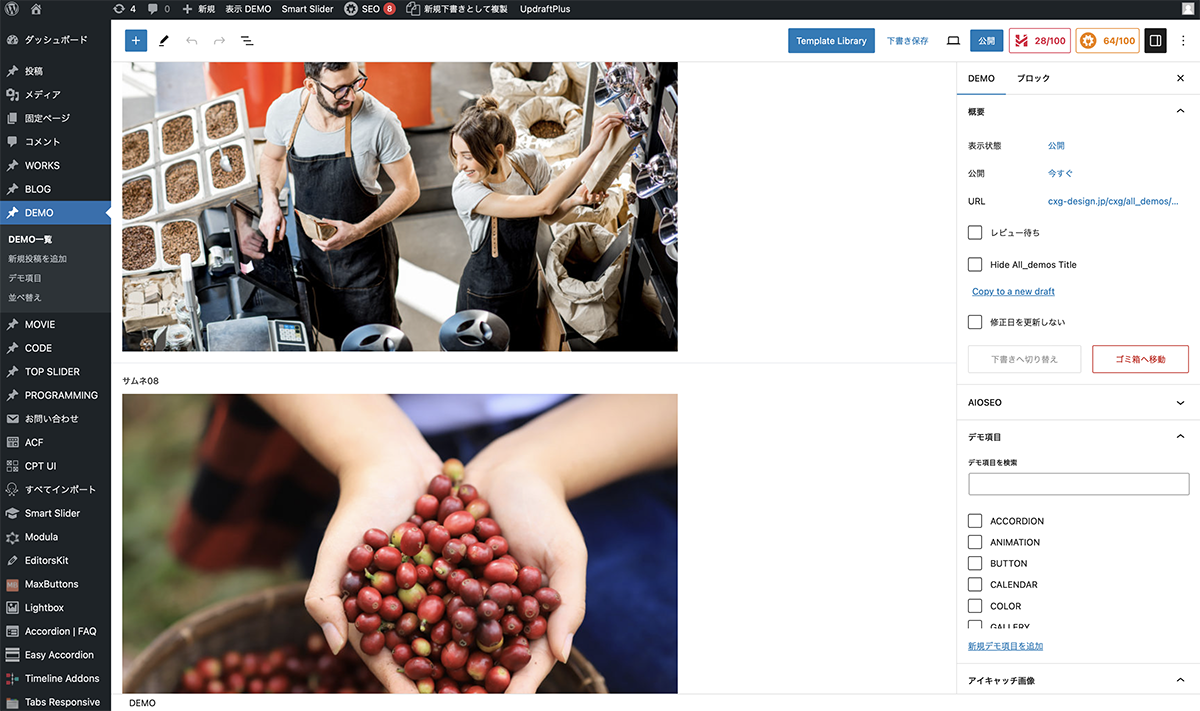
残りの画像も同様に設定
画像の枚数
今回のギャラリーは、JavaScriptで、画像を8枚に指定しているので、7枚などにするとレイアウトが崩れます。枚数が変更になる可能性がある場合は、7枚用、6枚用など別のギャラリーも作成し、切り替える必要があります。
以上で今回の説明は終了です。シンプルなギャラリーですが、編集画面のみで設定できるので便利ですね。今回の設定では、縦長、横長両方の画像を設置できます。