スクロールスナップスライダーを作成
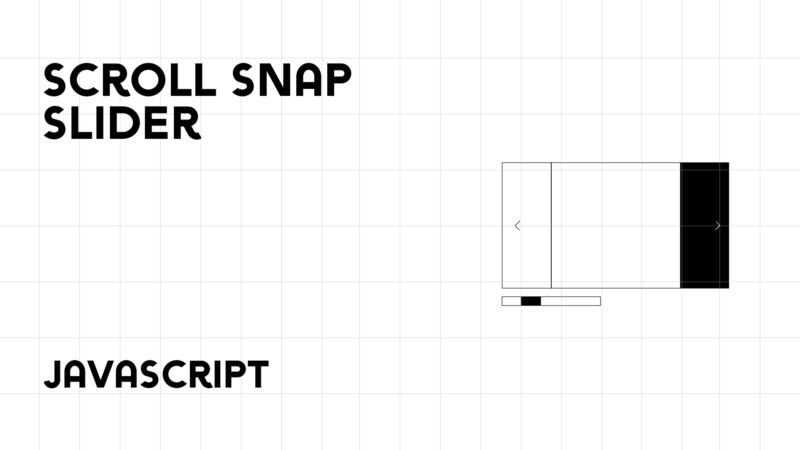
スクロールスナップスライダーを作成する方法を紹介します。
スクロールでもボタンでもスライドの移動ができます。スライドが左端にスナップします。
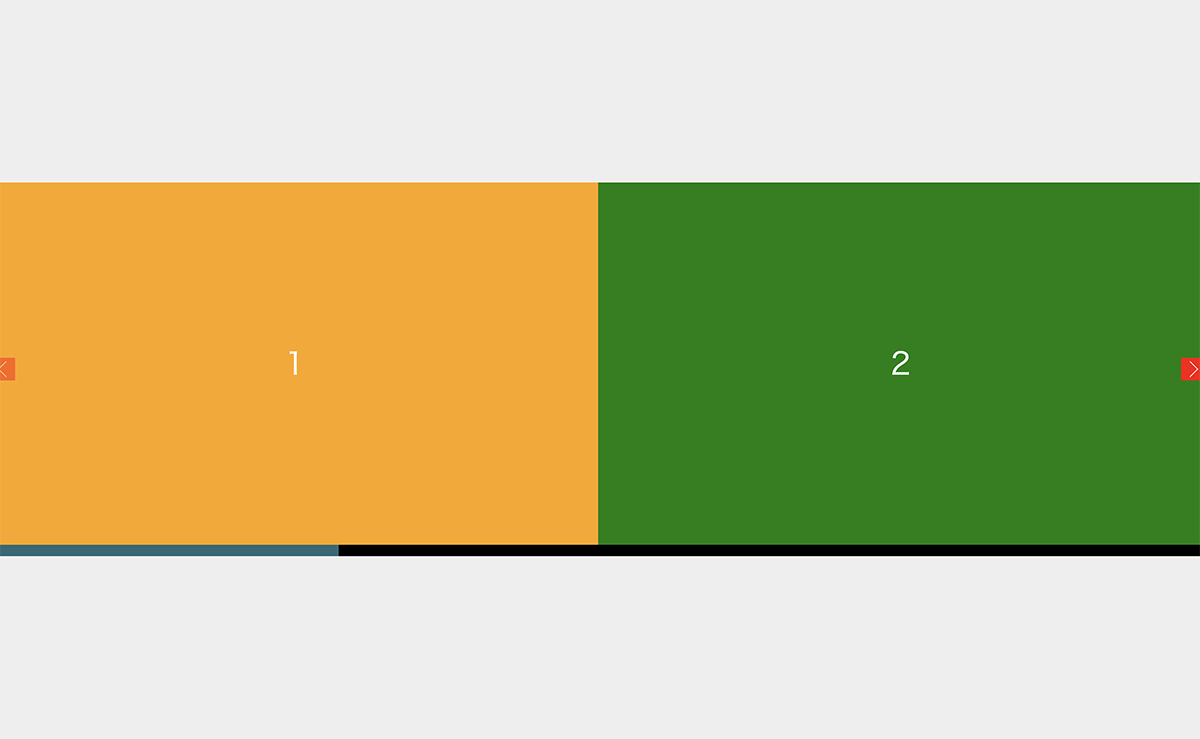
スクロールでもボタンでもスライドの移動ができる
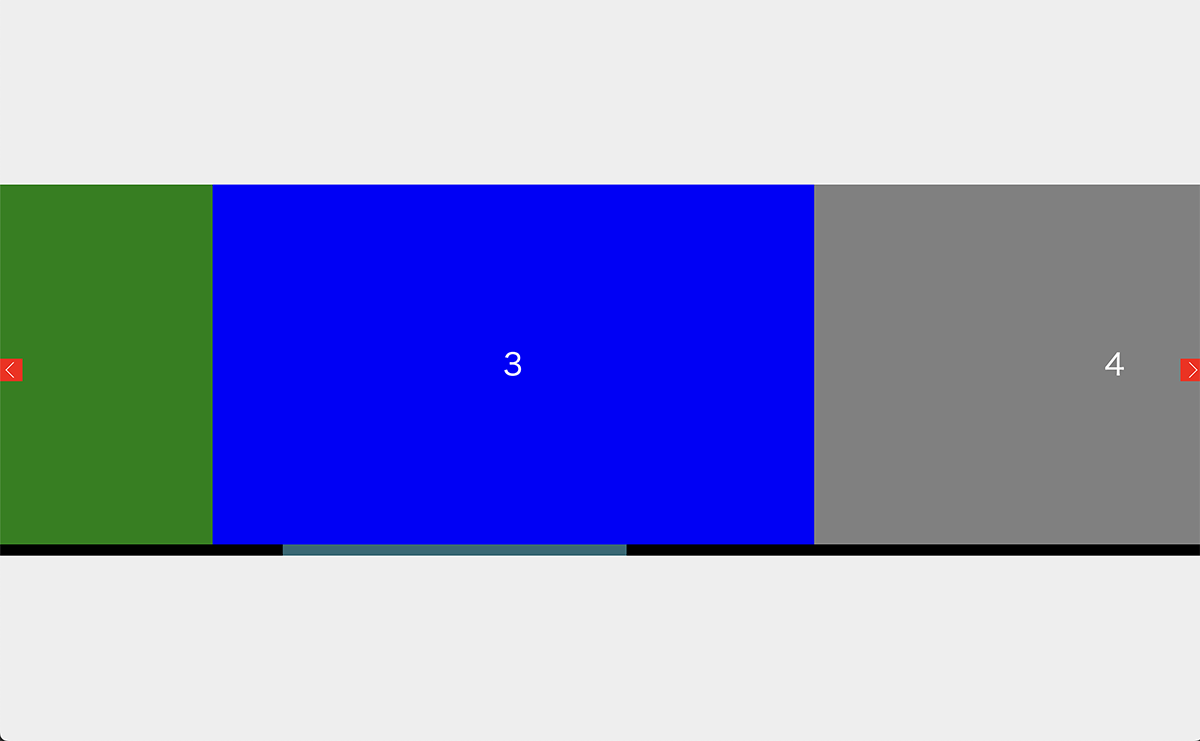
スライドが左端にスナップ
コード
<div id = "container">
	<div id="target">
		<ul id="sample">
  			<li class="slide">1</li>
			<li class="slide">2</li>
			<li class="slide">3</li>
			<li class="slide">4</li>
			<li class="slide">5</li>
			<li class="slide">6</li>
			<li class="slide">7</li>
		</ul>
		<button class="next-arrow"></button>
		<button class="prev-arrow"></button>
	</div>
</div>
#container{
width: 100vw;
height: 100vh;
background: #eee;
display: grid;
align-items: center;
align-content: center;
}
.container {
width: 90vw;
overflow: auto;
scroll-snap-type: x;
display: flex;
margin: 0 auto;
position: relative;
background: green;
}
.container::-webkit-scrollbar {
height: 20px;
}
.container::-webkit-scrollbar-thumb {
background: #276976;
background-clip: padding-box;
}
.container::-webkit-scrollbar-track {
background-color: #000;
}
.next-arrow{
background: red;
position: fixed;
width: 30px;
height: 30px;
-webkit-transform: translateY(-50%);
transform: translateY(-50%);
top: 50%;
right: 0;
cursor: pointer;
}
.next-arrow::before{
content: '';
position: absolute;
-webkit-transform: translate(-50%, -50%) rotate(45deg);
transform: translate(-50%, -50%) rotate(45deg);
transform-origin: center;
left: 40%;
top: 50%;
width: 15px;
height: 15px;
border-top: solid 1px #fff;
border-right: solid 1px #fff;
}
.prev-arrow{
background: red;
position: fixed;
width: 30px;
height: 30px;
-webkit-transform: translateY(-50%);
transform: translateY(-50%);
top: 50%;
left: 0;
cursor: pointer;
opacity: 0.5;
pointer-events: none;
}
.prev-arrow::before{
content: '';
position: absolute;
-webkit-transform: translate(-50%, -50%) rotate(-45deg);
transform: translate(-50%, -50%) rotate(-45deg);
transform-origin: center;
left: 60%;
top: 50%;
width: 15px;
height: 15px;
border-top: solid 1px #fff;
border-left: solid 1px #fff;
}
#target {
overflow: auto;
width: 100vw;
height: 50svh;
scroll-snap-type: x;
}
#sample {
width: 350vw;
height: 100%;
background-color: blue;
display: flex;
}
.slide{
width: 50vw;
display: grid;
align-content: center;
align-items: center;
background: #666;
scroll-snap-align: start;
font-size: 4rem;
text-align: center;
color: #fff;
}
ul li.slide:first-child{
background: orange;
}
ul li.slide:nth-child(2){
background: green;
}
ul li.slide:nth-child(3){
background: blue;
}
ul li.slide:nth-child(4){
background: gray;
}
ul li.slide:nth-child(5){
background: violet;
}
ul li.slide:last-child{
background: green;
}
#target::-webkit-scrollbar {
height: 15px;
}
#target::-webkit-scrollbar-thumb {
background: #276976;
}
#target::-webkit-scrollbar-track {
background-color: #000;
}let target = document.getElementById('target');
function moveScroll(){
const rect = document.documentElement.scrollWidth;
const rectWidth = rect / 2;
target.scrollBy({
top: 0,
left: rectWidth,
behavior: "smooth",
});
}
function moveScroll2(){
const rect2 = document.documentElement.scrollWidth;
const rectWidth2 = rect2 / 2;
target.scrollBy({
top: 0,
left: -rectWidth2,
behavior: "smooth",
});
}
const nextBtn = document.querySelector('.next-arrow');
const prevBtn = document.querySelector('.prev-arrow');
nextBtn.addEventListener('click', () => {
moveScroll();
});
const getScroll = () =>{
const rect3 = document.documentElement.scrollWidth;
const rectWidth3 = rect3 / 2;
let x = target.scrollLeft;
//console.log(x);
if( x > rectWidth3 * 5 -1 ){
nextBtn.style.pointerEvents=('none');
nextBtn.animate(
{
opacity: [1, 0.5]
},
{
duration: 800,
fill: 'forwards',
easing: 'ease'
}
);
}else if(x < 1){
prevBtn.style.pointerEvents=('none');
prevBtn.animate(
{
opacity: [1, 0.5]
},
{
duration: 800,
fill: 'forwards',
easing: 'ease'
}
);
}else {
prevBtn.style.pointerEvents=('auto');
prevBtn.animate(
{
opacity: [1]
},
{
duration: 800,
fill: 'forwards',
easing: 'ease'
}
);
nextBtn.style.pointerEvents=('auto');
nextBtn.animate(
{
opacity: [1]
},
{
duration: 800,
fill: 'forwards',
easing: 'ease'
}
);
}
}
target.addEventListener('scroll', getScroll);
prevBtn.addEventListener('click', () => {
moveScroll2();
});